Smartphone
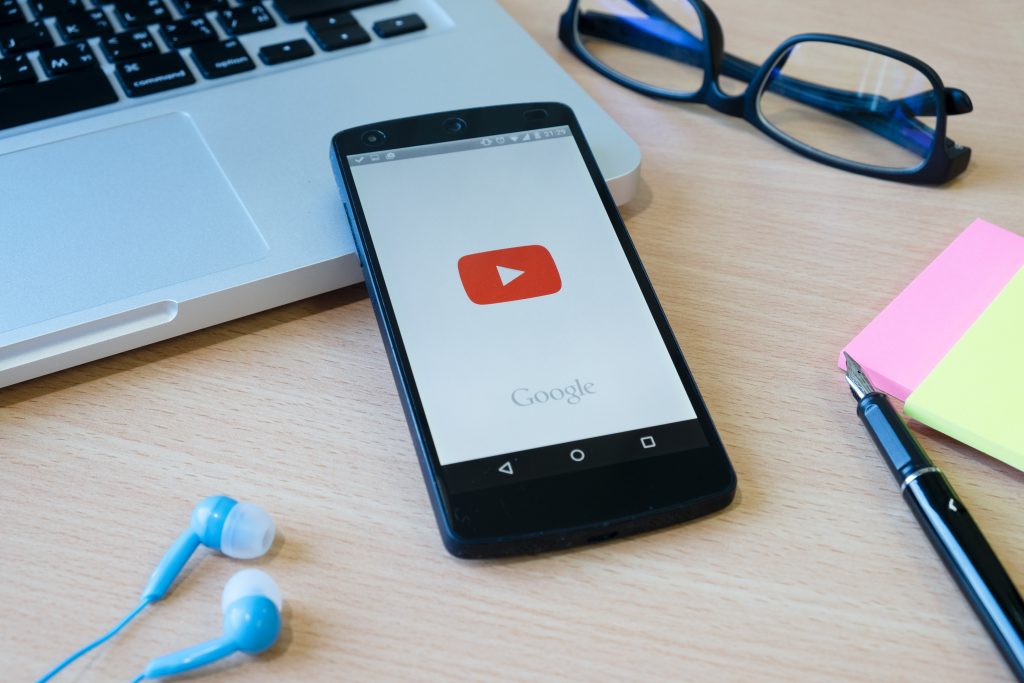
Smahttps://blog.digitaljerry.in/wp-admin/post.php?post=211&action=editrtphones have transformed from simple communication devices into pocket-sized productivity hubs. Today, they are not just for calls, messages, or entertainment—they are workstations, classrooms, financial managers, wellness trackers, and creative studios all rolled into one. With the right tools and habits, a phone can boost efficiency, streamline workflows, and help people achieve more in less time.
In this article, we’ll explore the concept of the Phone Productivity Hub—how mobile devices serve as productivity centers, the apps and technologies driving this change, strategies to maximize effectiveness, and a glimpse into the future of productivity on the go.
1. Smartphones as Modern Productivity Hubs
Not too long ago, productivity meant being tied to a desktop computer or physical office. But now, thanks to powerful hardware, cloud computing, and innovative apps, smartphones have replaced traditional tools like planners, notebooks, calculators, and even laptops in many cases.
A Phone Productivity Hub integrates:
- Communication: Email, messaging, video calls.
- Task Management: To-do lists, reminders, calendars.
- Knowledge Access: Search engines, eBooks, note-taking apps.
- Collaboration: Cloud storage, shared documents, project tools.
- Automation: AI assistants, smart workflows, notifications.
With these capabilities, smartphones act as central command centers for both personal and professional productivity.
2. Core Elements of a Phone Productivity Hub
Let’s break down the essential features that turn a phone into a productivity powerhouse.
a) Task & Time Management
Apps like Todoist, Microsoft To Do, and Google Calendar help users organize schedules, set reminders, and break big projects into manageable tasks.
b) Note-Taking & Idea Capture
Tools such as Evernote, Notion, and OneNote allow users to jot down ideas, organize research, and create structured notes on the go.
c) Cloud Storage & File Management
Google Drive, Dropbox, and iCloud make it easy to store, sync, and share files across devices.
d) Communication & Collaboration

Apps like Slack, Zoom, and Microsoft Teams connect individuals and teams instantly for real-time collaboration.
e) Focus & Mindfulness Tools
Forest, Freedom, and Headspace help users stay focused, minimize distractions, and maintain mental clarity.
f) Productivity Automation
Apps like IFTTT and Zapier automate repetitive tasks, from sending reminders to syncing files.
Together, these elements create a mobile ecosystem of efficiency.
3. Best Apps That Define the Phone Productivity Hub
Here are some categories and standout apps making smartphones indispensable:
- To-Do & Task Management
- Todoist
- TickTick
- Google Keep
- Calendar & Scheduling
- Google Calendar
- Fantastical (iOS)
- Outlook
- Note-Taking & Knowledge Management
- Notion
- Evernote
- Apple Notes
- File Storage & Collaboration
- Dropbox
- Google Drive
- OneDrive
- Project Management
- Trello
- Asana
- ClickUp
- Focus & Productivity Tracking
- RescueTime
- Forest
- Habitica
- Digital Wellbeing
- Digital Detox
- Stay Focused
- Screen Time (iOS)
With the right mix, a smartphone becomes more than a tool—it becomes a personal productivity headquarters.
4. The Role of AI in Phone Productivity
Artificial intelligence is revolutionizing mobile productivity. AI enhances apps by making them smarter, predictive, and adaptive.
Examples include:
- AI Assistants: Siri, Google Assistant, and Alexa manage tasks, reminders, and smart-home functions.
- Smart Recommendations: Google Calendar suggests meeting times, while Gmail predicts email replies.
- Content Creation: AI-driven writing assistants and design apps save time on professional tasks.
- Voice Recognition: Apps like Otter.ai transcribe meetings and lectures instantly.
AI transforms phones into intelligent productivity partners.
5. How Smartphones Improve Work-Life Productivity
A Phone Productivity Hub doesn’t only apply to work—it enhances all aspects of life.
- Education: Students use Duolingo, Quizlet, and Khan Academy.
- Finance: Apps like Mint, YNAB, and Google Pay manage money.
- Health & Wellness: Fitness trackers sync with apps like Strava and Fitbit.
- Home Management: Smart-home apps streamline household chores.
The versatility of smartphones means they integrate seamlessly into every lifestyle domain.
6. Strategies for Building Your Phone Productivity Hub
To unlock the full power of a smartphone, users need the right mindset, habits, and setup.
a) Organize Your Apps
- Create folders by function (Work, Study, Finance, Health).
- Keep frequently used productivity apps on the home screen.
b) Use Automation
- Set up routines with Google Assistant or Siri Shortcuts.
- Automate cloud backups and recurring reminders.
c) Prioritize Focus
- Turn off non-essential notifications.
- Use “Do Not Disturb” during work hours.
d) Sync Across Devices
- Ensure data flows smoothly between phone, tablet, and computer.
- Use apps with strong cross-platform compatibility.
e) Track & Review Progress
- Use apps like RescueTime to analyze screen time.
- Adjust app usage for efficiency, not distraction.
7. Benefits of Using Your Phone as a Productivity Hub
When optimized correctly, a smartphone offers:
- Accessibility: Work from anywhere, anytime.
- Efficiency: Faster task completion with AI and automation.
- Organization: One device for all planning, files, and communication.
- Collaboration: Seamless teamwork across geographies.
- Adaptability: Suitable for both personal and professional growth.
In essence, a productivity-optimized phone becomes a life command center.
8. Challenges of the Phone Productivity Hub
Despite its advantages, using a phone as a productivity hub comes with challenges.
- Distractions: Social media and entertainment apps reduce focus.
- Screen Fatigue: Long use leads to eye strain and mental burnout.
- Security Concerns: Data breaches and privacy risks persist.
- App Overload: Too many apps can overwhelm rather than help.
To overcome these, users must balance discipline with technology.
9. Future Trends in Phone Productivity
Looking ahead, several trends are shaping the next era of productivity apps and smartphones:
- Super Apps: Platforms offering all-in-one productivity, communication, and finance.
- AI-Powered Personal Assistants: Hyper-personalized task and time management.
- Voice-First Interfaces: Faster interactions without typing.
- Augmented Reality Productivity Tools: Virtual whiteboards, holographic collaboration.
- Wearable Integration: Phones + smartwatches + AR glasses creating a connected productivity ecosystem.
- Decentralized Apps (dApps): Secure, blockchain-based solutions for file sharing and task management.
The future Phone Productivity Hub will be more intelligent, immersive, and interconnected.
10. Phone Productivity in Different Professions
Smartphones adapt differently across industries:
- Business Leaders: Use email, project dashboards, and financial apps.
- Students: Rely on digital flashcards, cloud notes, and study planners.
- Freelancers: Use invoicing, time tracking, and collaboration tools.
- Healthcare Workers: Telemedicine, scheduling, and patient apps.
- Educators: Mobile classrooms, grading tools, and digital presentations.
Each profession has its own custom productivity ecosystem.
11. Digital Well-Being and Sustainable Productivity

Being productive doesn’t mean being always online. The Phone Productivity Hub must balance output with well-being.
- Use screen-time trackers to avoid overuse.
- Schedule digital detox periods.
- Balance productivity with mindfulness apps like Calm and Headspace.
- Adopt a minimalist app philosophy—only keep apps that serve your goals.
This ensures smartphones empower rather than exhaust.
12. Case Study: The Phone as a Remote Office
The COVID-19 pandemic proved that smartphones could serve as full-fledged remote offices. With video conferencing, cloud storage, and project apps, professionals continued working effectively from anywhere.
For example:
- A manager coordinates tasks via Asana.
- A designer reviews files in Dropbox.
- A team brainstorms via Zoom.
- Documents are signed digitally with DocuSign.
This shift showed that the future of work is mobile-first.
13. How to Build Your Own Phone Productivity Hub (Step-by-Step)
- Identify Needs: Work, study, finance, health, or all.
- Select Core Apps: Choose best-in-class tools for each function.
- Organize Layout: Group apps by productivity category.
- Automate Workflows: Use routines, reminders, and AI tools.
- Review Weekly: Assess productivity and make improvements.
This method ensures a customized hub that adapts to your goals.
14. The Phone Productivity Hub as a Lifelong Companion
From school years to career building to personal growth, smartphones evolve alongside their users. They act as lifelong assistants, adapting to changing needs—whether that means handling coursework, managing work projects, or planning retirement finances.
A well-curated productivity hub turns a phone into a trusted partner for every life stage.
15. Conclusion: The Smartphone as the Ultimate Productivity Hub
The modern smartphone is more than a gadget—it is the ultimate productivity hub. With powerful apps, AI-driven insights, cloud integration, and tailored habits, it can revolutionize the way people work, learn, and live.
But productivity is not just about downloading apps—it’s about using them intentionally. The best Phone Productivity Hub is one that balances efficiency with well-being, digital with human, and speed with purpose.
In the years ahead, as smartphones become even more integrated with AI, AR, and wearables, they will not just support productivity—they will define it.
Because in today’s fast-paced world, your phone isn’t just a device in your pocket—it’s the command center of your life.
Leave a Reply